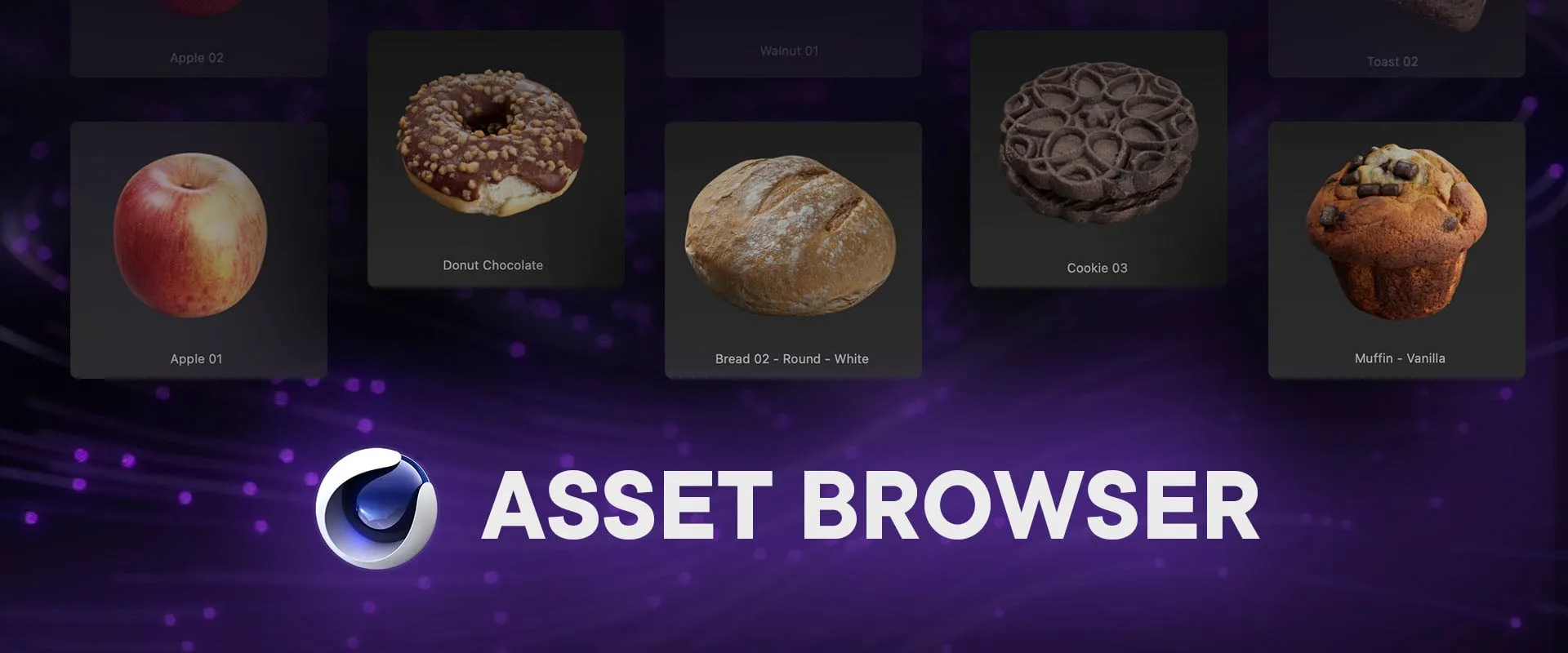
(01) — About the tutorial
Cinema 4D’s Asset Browser is a powerful but often underused content-management system. This tutorial shows how to unlock its full potential for personal projects and shared studio libraries.
Learn how to create and organize databases, avoid common pitfalls, share assets safely, and use Git to build a reliable team workflow without conflicts or corrupted libraries.
(02) — What’s included
69-minute video tutorial
Small, focused chapters designed for easy reference
Example Cinema 4D databases to follow along
(03) — Tutorial chapters
Get up to speed,
fast.
Learn the fundamentals and how to build toward dependable shared-library workflows for you and your team.
-
Introduction
-
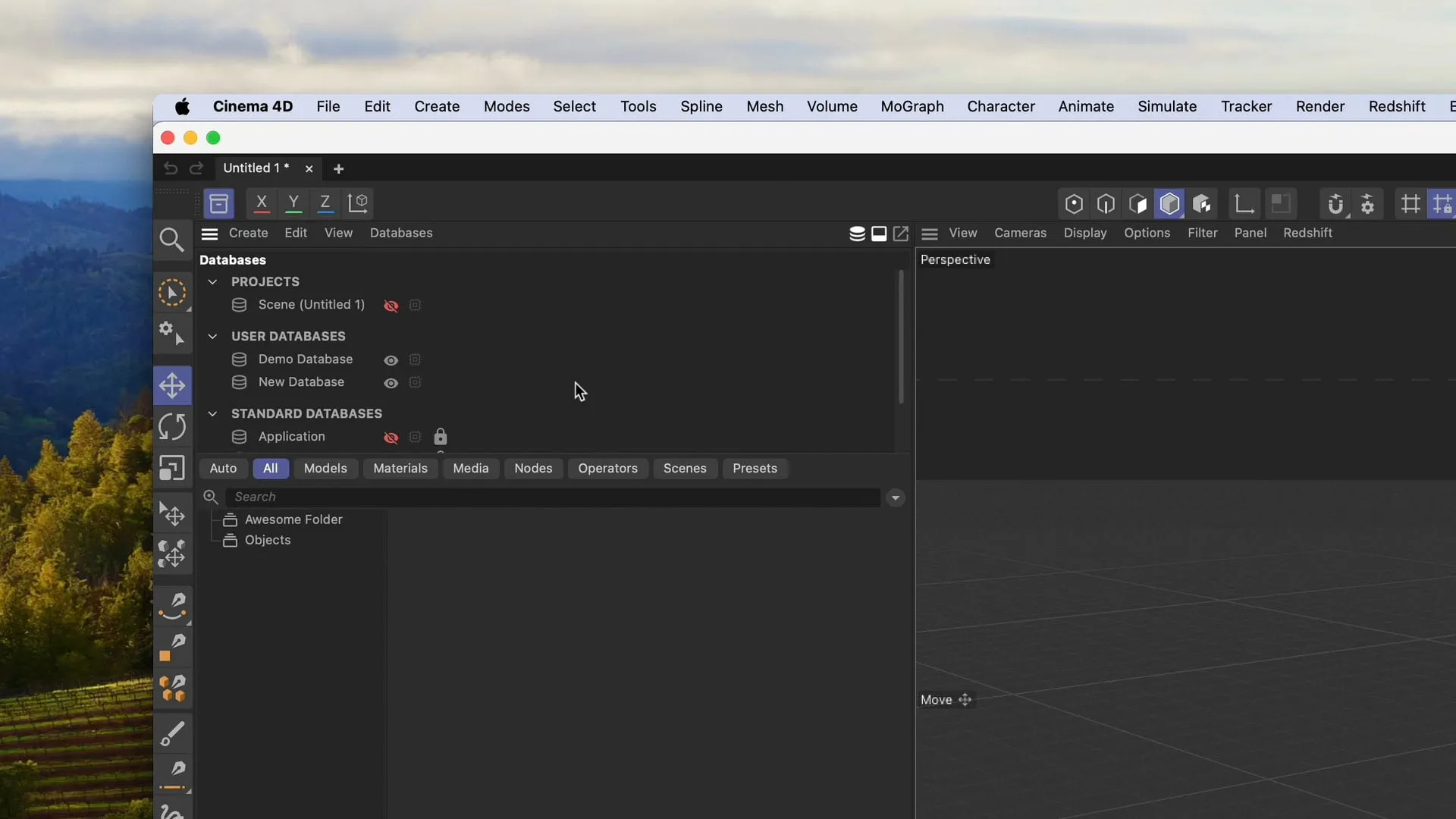
Understanding Cinema 4D databases
-
The benefits of a database
-
Working with databases: loading and organizing
-
The details panel: info, dependencies, keywords, versions, and previews
-
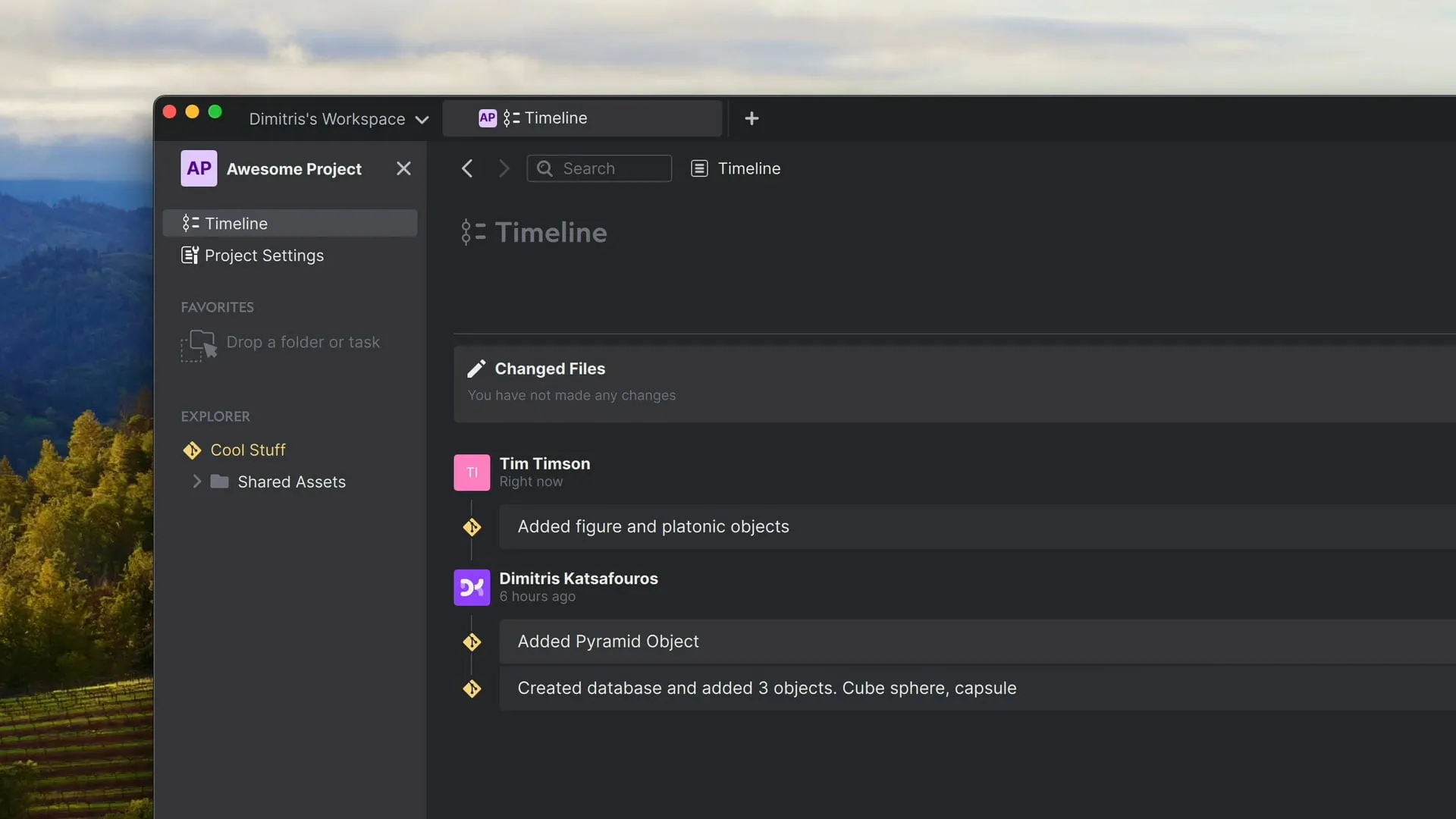
Sharing a database with others
-
Workflow tips
69 minutes · Example databases included